How to Troubleshoot an Automatic Backwash Filter?
When your automatic backwash filter does not work as expected, a systematic check can often solve the problem quickly. Based on common fault phenomena, the following troubleshooting guide will help you identify and resolve issues step by step.
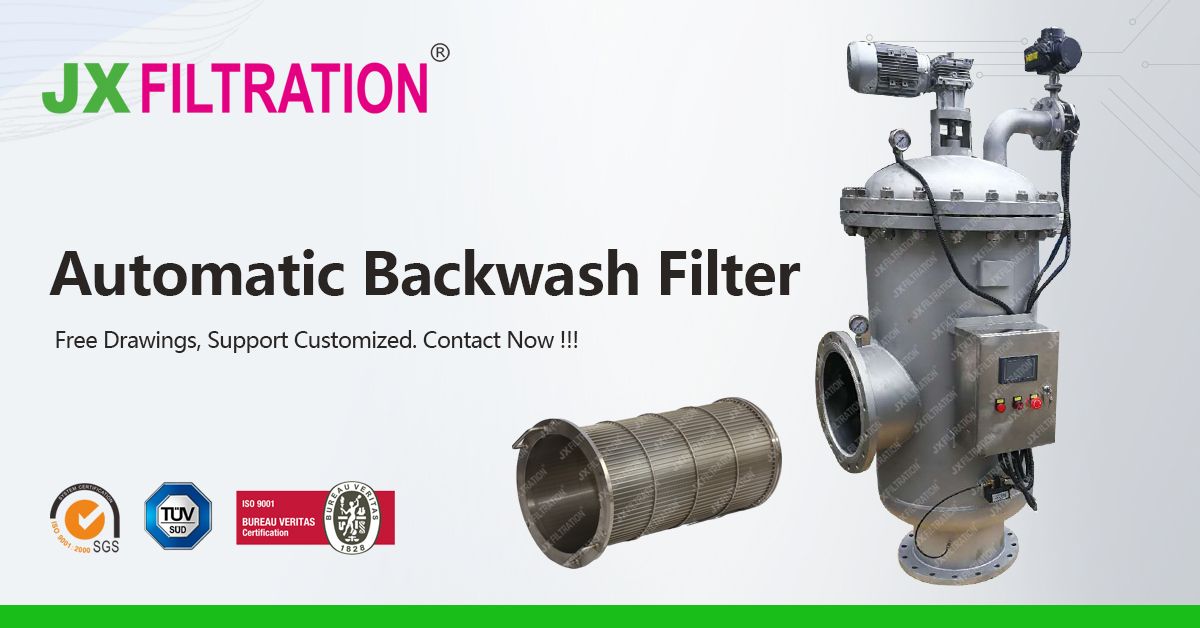
1. No Display on the Screen
-
Check if the power supply is properly connected.
-
Check if the flexible flat cable between the screen and the main control board is well connected.
2. Touch Control Failure of the Display Screen
-
Continuously click the non‑key touch control area of the screen (10 consecutive times within 3 seconds) to enter screen calibration, then re‑calibrate the screen as prompted.
-
If the above solution does not work, contact the manufacturer.
3. Input / Output Failure
-
Check if the wiring is correct and the signal input is complete.
-
Check if the line loop is normal.
4. Abnormal Control Work
-
Check if the parameter and mode settings are correct.
-
Check if the controller control process matches the actual device.
5. Incorrect Pressure Display
-
Check if the pressure introduction water pipe is bent or blocked, and whether the port is correctly connected.
-
If the pressure deviation is small, enter the pressure calibration interface to perform pressure compensation calibration.
By following these steps, most common issues with the automatic backwash filter can be resolved without professional assistance. If problems persist, do not hesitate to contact your local service team.
Any Requirements, Contact Us Now!
Grace
Email/Teams: grace@filtrationchina.com
Mobile/Whatsapp/Wechat: +86 17269571160